Track your money without connecting your bank.
Import bank statements or add transactions yourself, let rules auto-categorize what you import, and see exactly where your money goes.
No bank connection, ever — Vezne only sees the statement files you choose to upload.
How it works
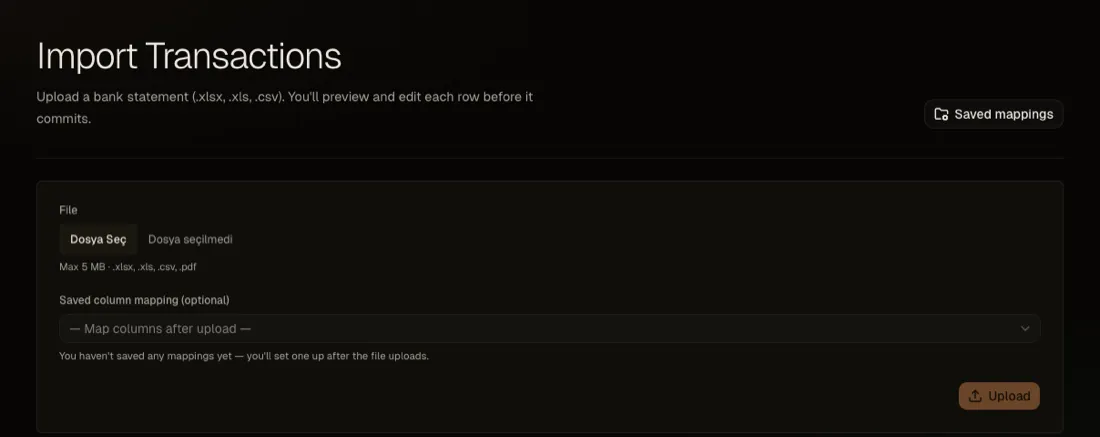
Import your bank statements
Upload an Excel, CSV, or PDF file. Every row goes through a preview where you can review, edit, or exclude it before anything is added to your account — column mapping is remembered per bank, and duplicates are caught automatically.
- .xlsx
- .xls
- .csv
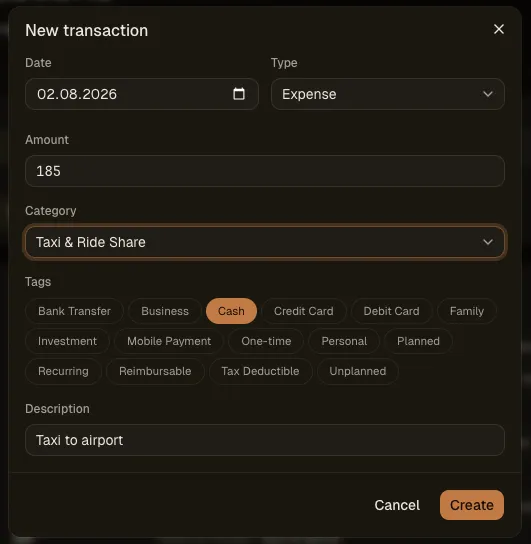
Prefer not to upload a file? Add transactions one at a time instead — handy for cash purchases a statement won't show.
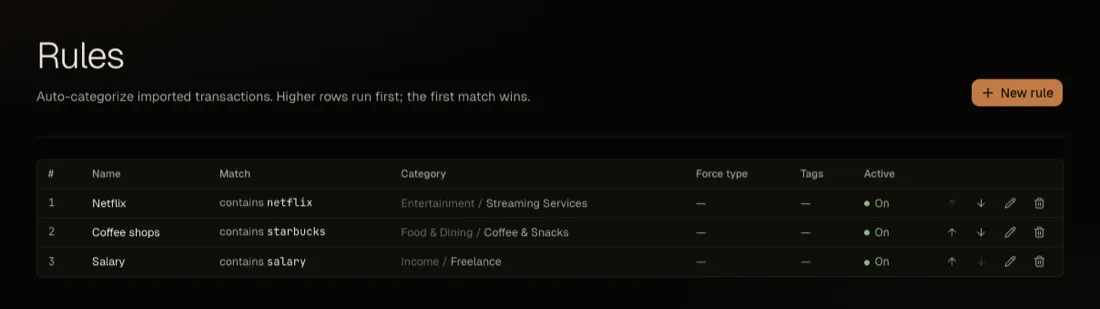
Categorize it automatically
Rules match transaction text — contains, equals, starts with, or ends with — and run in priority order during import, assigning a specific category and tags automatically. Set them up once and every future statement sorts itself.
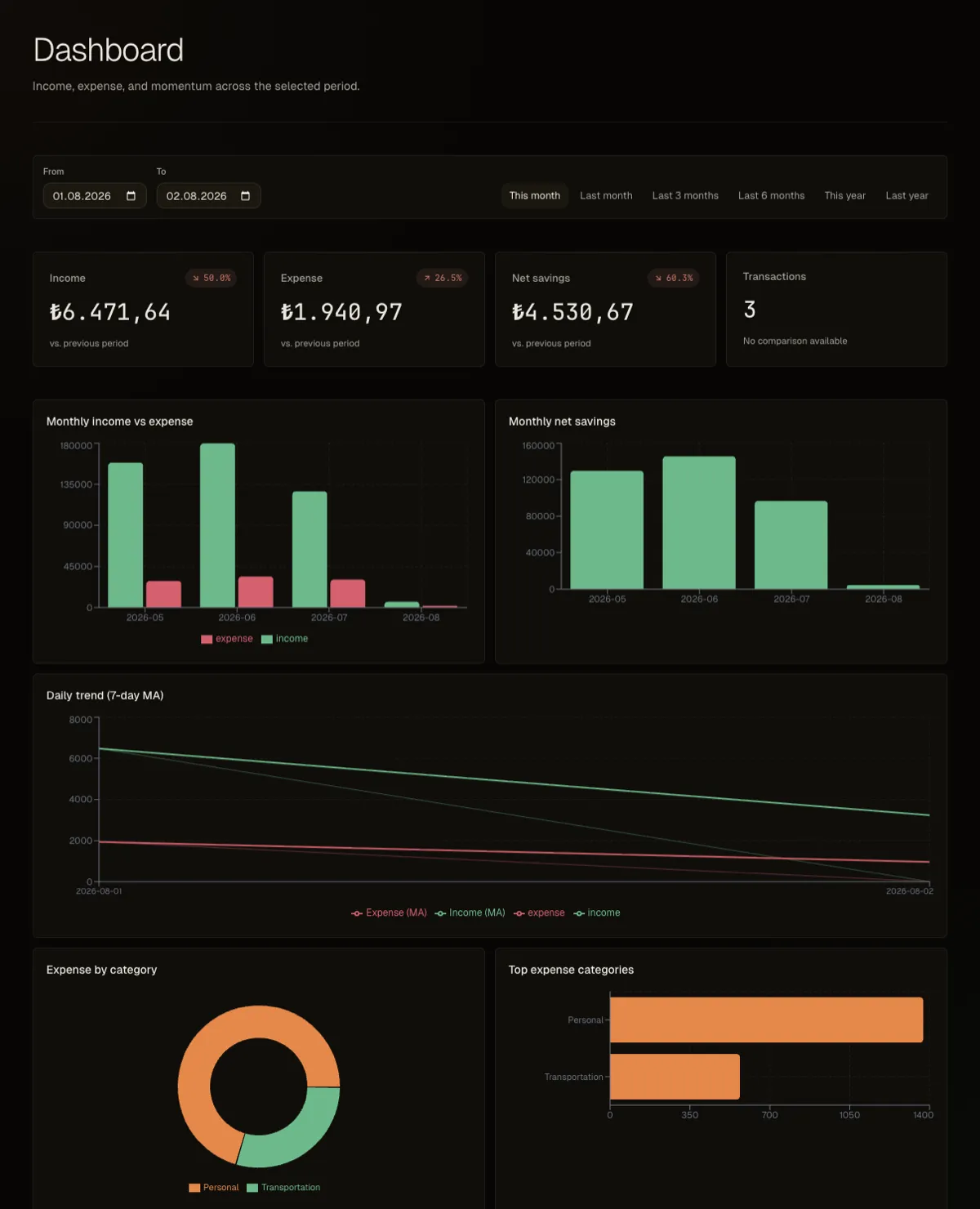
See where your money goes
Down to the sub-category, not just the category. Most banking apps show ‘Transportation’ as one lump sum — Vezne splits it into flights, taxis, and whatever else you set up, alongside income, net savings, and trends over time.